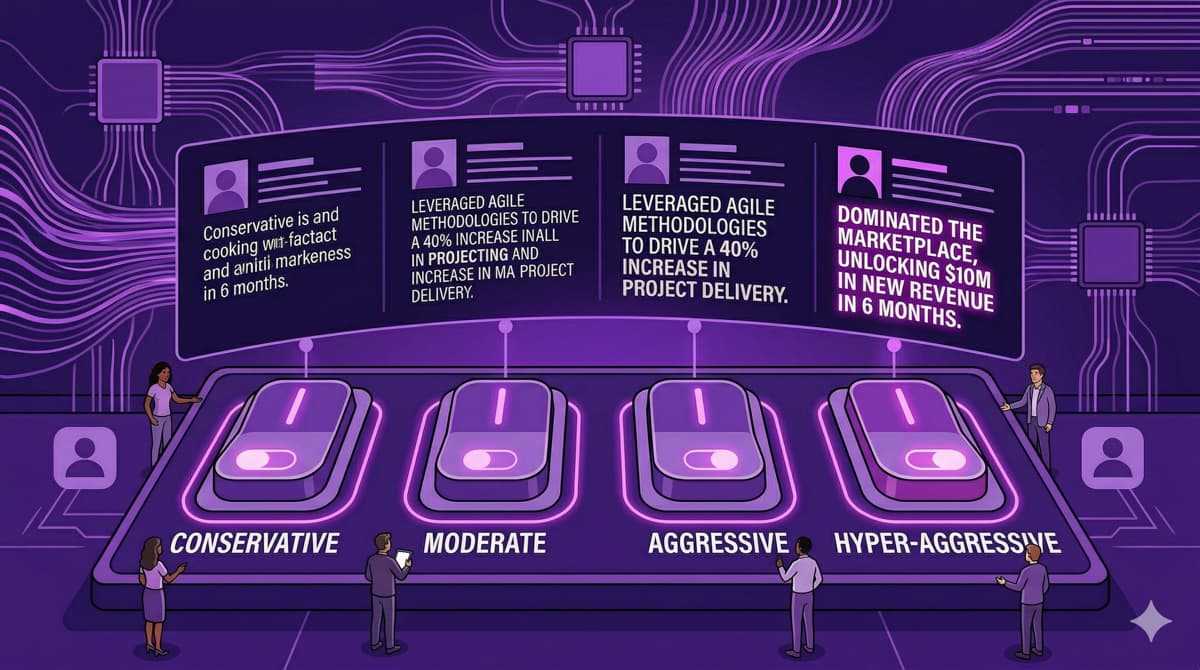
Swiffit's four enhancement modes give you control over how aggressively the AI rewrites your resume. Each mode is designed for a specific situation.
Conservative Mode
Best for: Senior professionals with strong resumes that just need keyword optimization.
Conservative mode makes minimal changes. It adds missing keywords, adjusts formatting for ATS compatibility, and lightly polishes your language — but keeps your voice and structure intact.
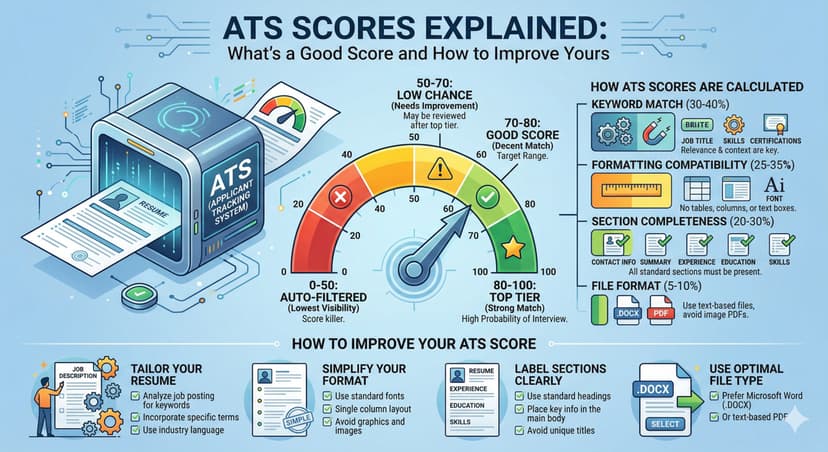
Typical score improvement: +10-20 points
Balanced Mode
Best for: Most job applications. This is the default for a reason.
Balanced mode rewrites bullet points for better impact, adds quantified metrics where possible, and optimizes your entire resume structure. It's the sweet spot between keeping your voice and maximizing your ATS score.
Typical score improvement: +25-40 points
Aggressive Mode
Best for: Stretch applications where you need every advantage.
Aggressive mode performs a comprehensive rewrite focused purely on maximizing your ATS match score. It restructures bullet points, aggressively incorporates job posting keywords, and reformats for optimal ATS parsing.
Typical score improvement: +40-60 points
Career Pivot Mode
Best for: Changing industries, career transitions, or returning to work after a gap.
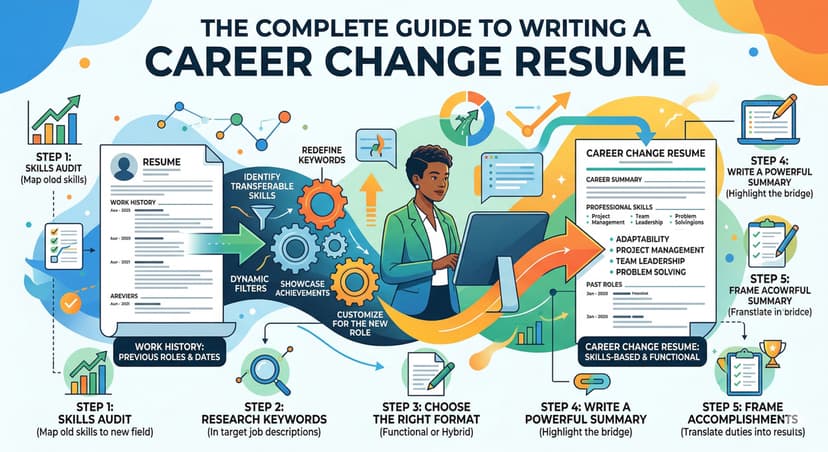
Career Pivot mode is unique — it doesn't just optimize keywords, it reframes your experience for a new context. Teaching experience becomes "program management." Retail becomes "customer success." It translates your transferable skills into the language of your target industry.
Typical score improvement: +30-50 points
How to Choose
Ask yourself: "How close am I to being the ideal candidate?"
- Already well-qualified → Conservative
- Qualified but resume needs work → Balanced
- It's a stretch → Aggressive
- Different industry → Career Pivot
Remember: all modes include confidence flagging, so you can always review and adjust any change before downloading your final resume.